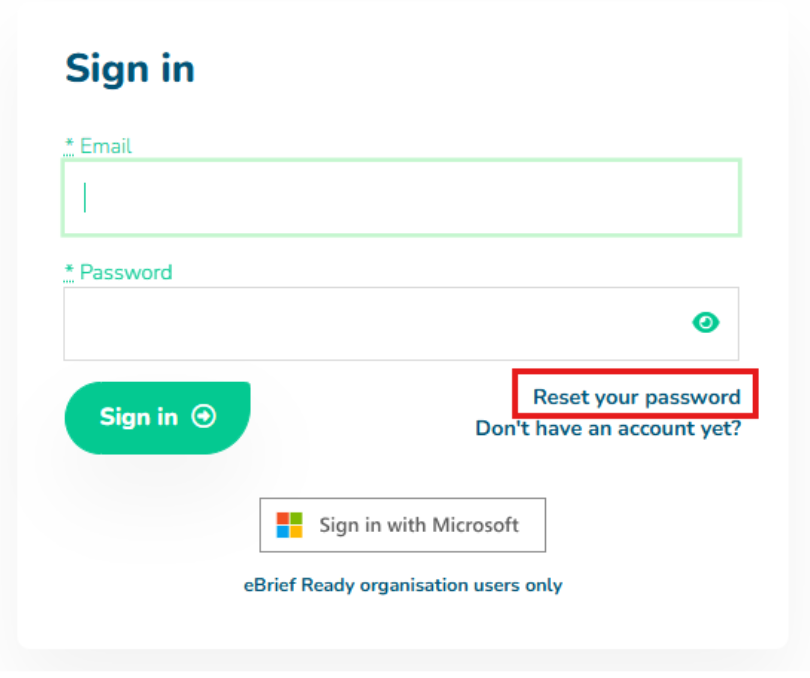
- On the eBrief Ready Log in screen click on the Reset Password.
- Enter your registered email address and click Continue
- You will receive an email to your registered email address containing a password reset link
- Click the link and reset your password
You will now be able to log in to your eBrief Ready account with your new password.
For further information or assistance, please do not hesitate to reach out to our dedicated Support Team via support@legalready.ai or +61 3 9020 4456.