
This feature locks the numbering of documents in a folder so they cannot be changed. This is useful when you need to finalise a document set and ensure the numbering stays consistent.
How to freeze document numbers #
- Click into your matter and open the folder where you want to freeze the numbering
- Select the documents using the checkboxes
- Click Bulk Actions and select Freeze Numbering from the dropdown
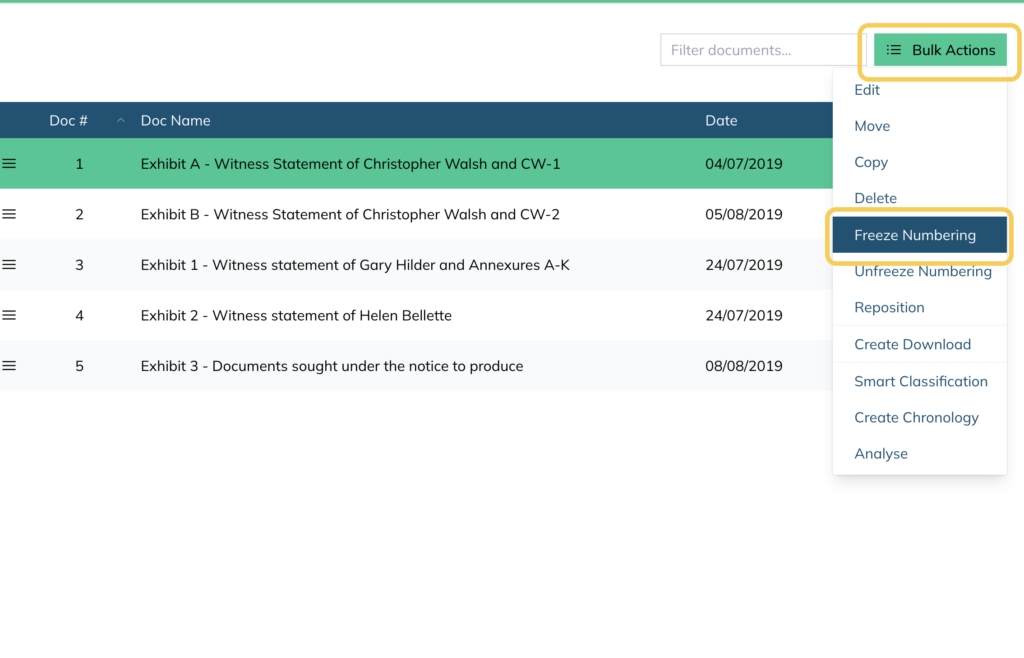
Once frozen, a lock icon will appear next to each document number confirming the numbering is locked.
How to unfreeze document numbers #
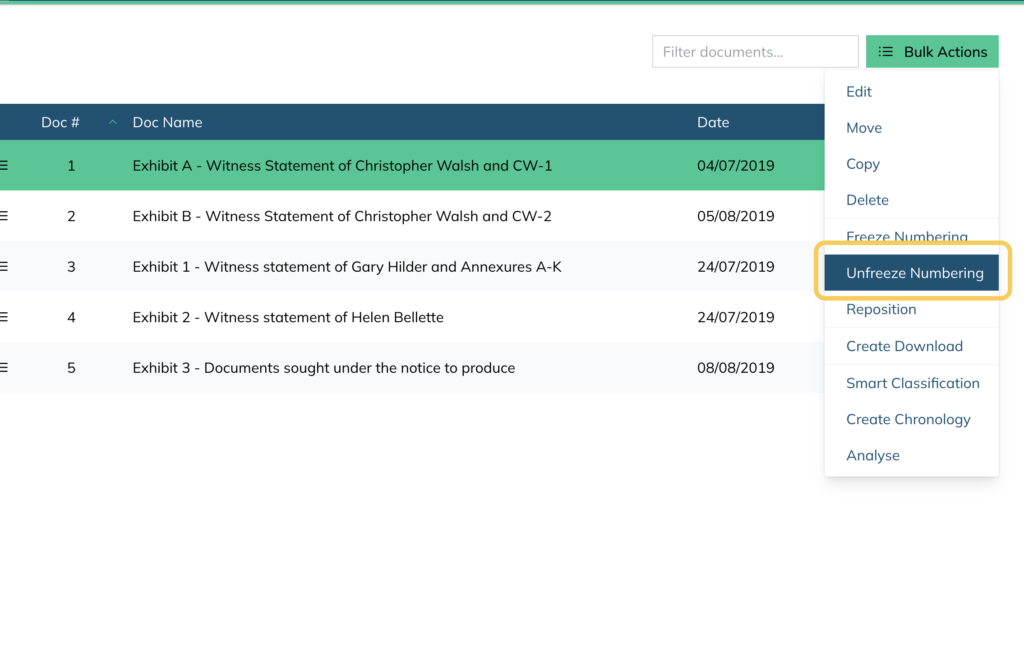
- Select the documents you want to unfreeze using the checkboxes
- Click Bulk Actions and select Unfreeze Numbering
For further information or assistance, please do not hesitate to reach out to our dedicated Support Team via support@legalready.ai or +61 3 9020 4456.