
Bookmarks allow you to save and quickly navigate to specific pages within a brief, court book, or individual document.
Important: Bookmarks are strictly private. Only the person who creates a bookmark can see it; other members of the matter cannot regardless if it’s a single-party or multi-party matter.
Bookmarking a page in a brief or court book #
- Click into your matter and expand the Extras menu on the left
- Click Brief/Court Books and open the document from the list
- Navigate to the page you want to bookmark
- Select Bookmarks and click New Bookmark
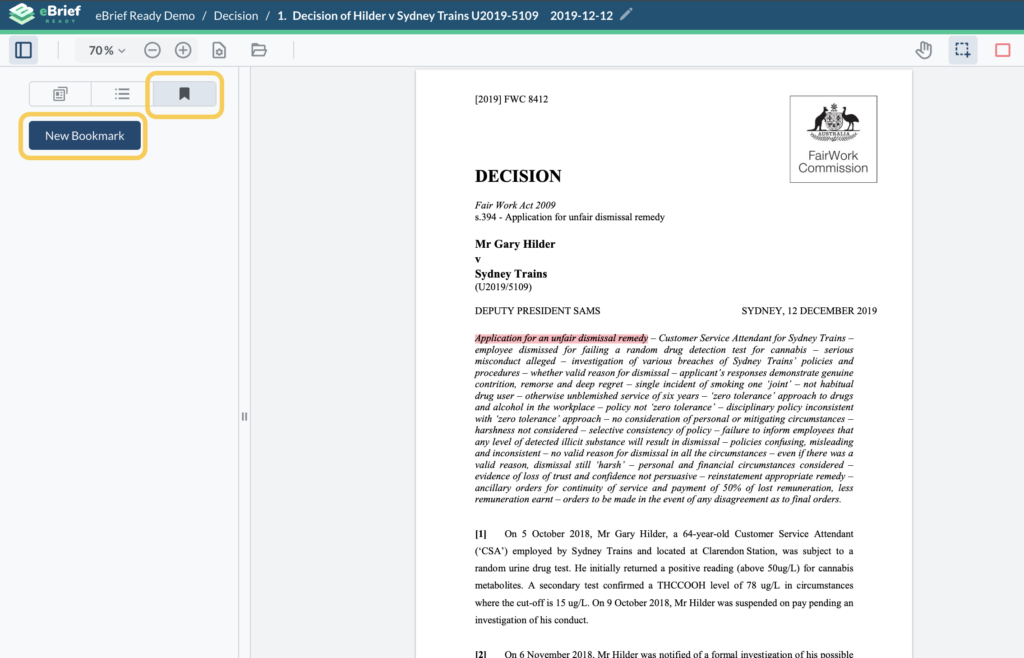
- Enter a name for the bookmark
- Click Save
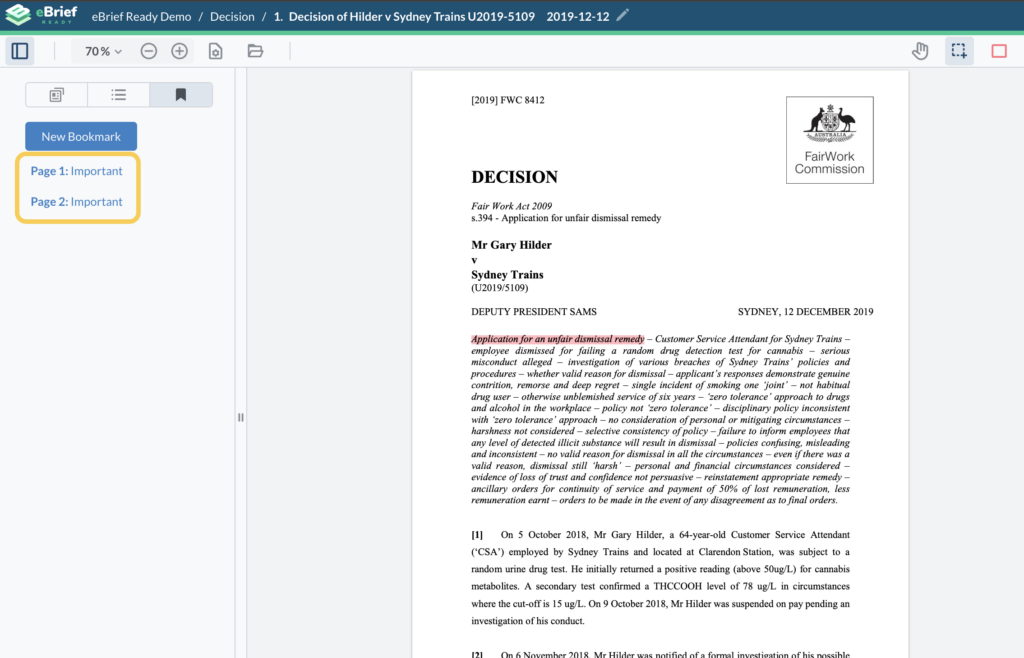
Your list of bookmarks will appear on the left hand side, each paired with its corresponding page number.
Bookmarking an individual document #
You can also create bookmarks for individual documents outside of a brief or court book.
- Open the document you want to bookmark
- Navigate to the page you want to save
- Select Bookmarks and click New Bookmark
- Enter a name and click Save
For further information or assistance, please do not hesitate to reach out to our dedicated Support Team via support@legalready.ai or +61 3 9020 4456.